MCP servers
Verified Code examples on this page have been automatically tested and verified.
Connect to an MCP server and try tools in the agentgateway playground.
Use the agentgateway binary to proxy requests to an open source MCP test server,
server-everything. Then, try a tool in the built-in agentgateway playground.
Before you begin
-
Install the agentgateway binary.
curl -sL https://agentgateway.dev/install | bash
Steps
Step 1: Start the MCP test server
Run the open source server-everything MCP test server with the streamable HTTP transport.
PORT=3005 npx -y @modelcontextprotocol/server-everything streamableHttp
Step 2: Start agentgateway
You add the MCP server from the UI in the next steps, so you can start agentgateway without a config
file. When you run agentgateway without specifying a config, it bootstraps a basic config at
~/.config/agentgateway/config.yaml and uses it automatically.
agentgateway
Example output:
info app serving UI at http://localhost:15000/ui
Step 3: Enable MCP
- Open the agentgateway UI.
- On the Gateway Overview, find the MCP row and click Enable MCP.
Step 4: Add the MCP server
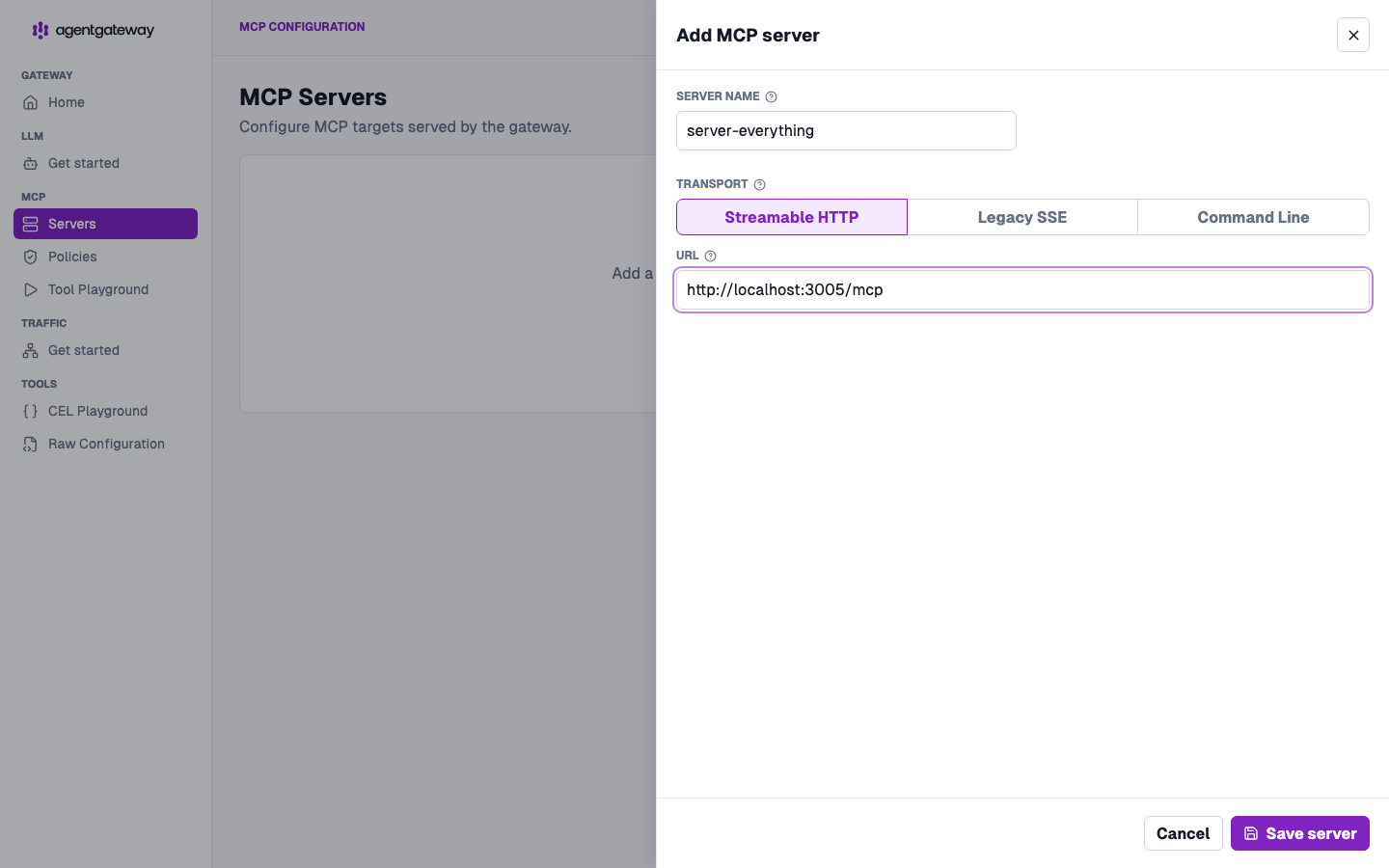
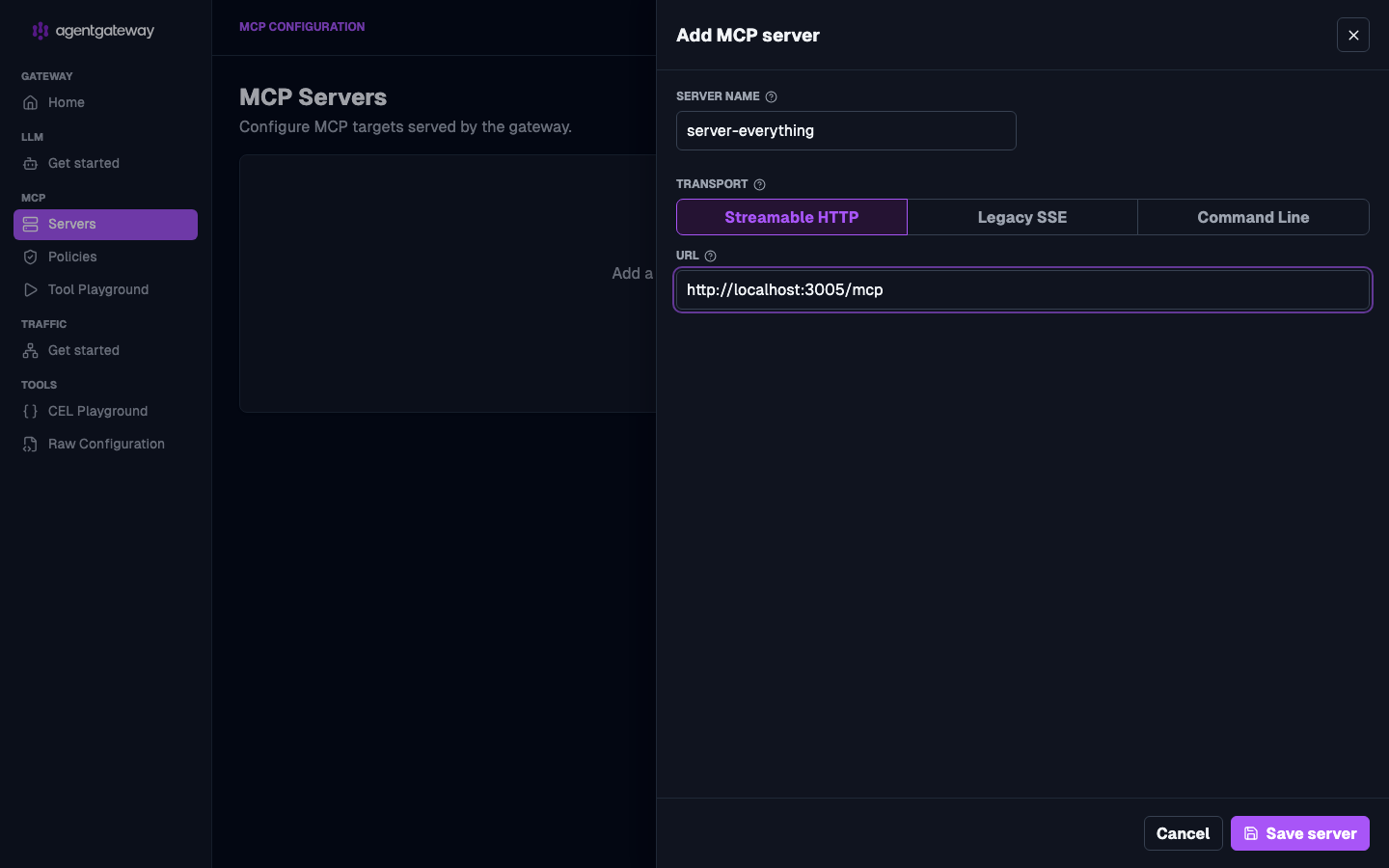
- In the MCP section of the navigation menu, click Servers, and then click Add server.
- For the Server name, enter
server-everything. - Keep the Streamable HTTP transport. For the URL, enter
http://localhost:3005/mcp. - Click Save server.
Step 5: Try a tool in the playground
-
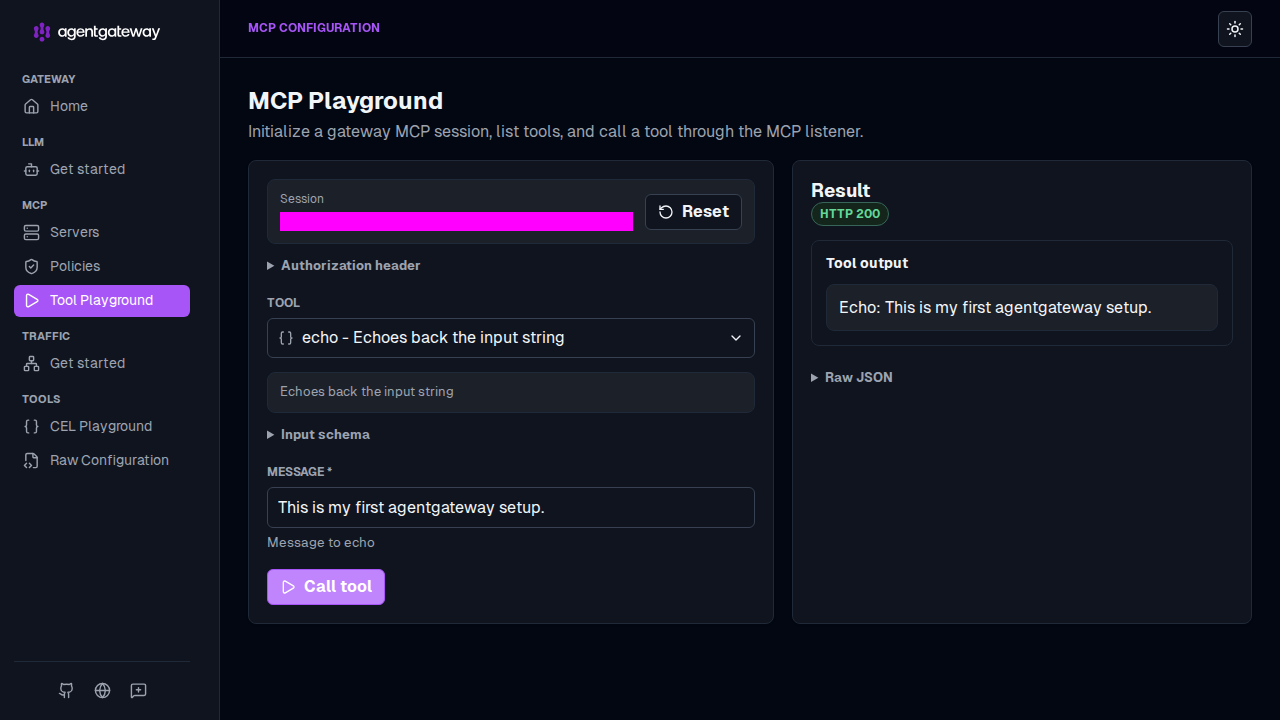
In the MCP section, click Tool Playground.
-
If you see a Browser access is not allowed notice, click Apply CORS so the playground can call the MCP listener from the UI.
-
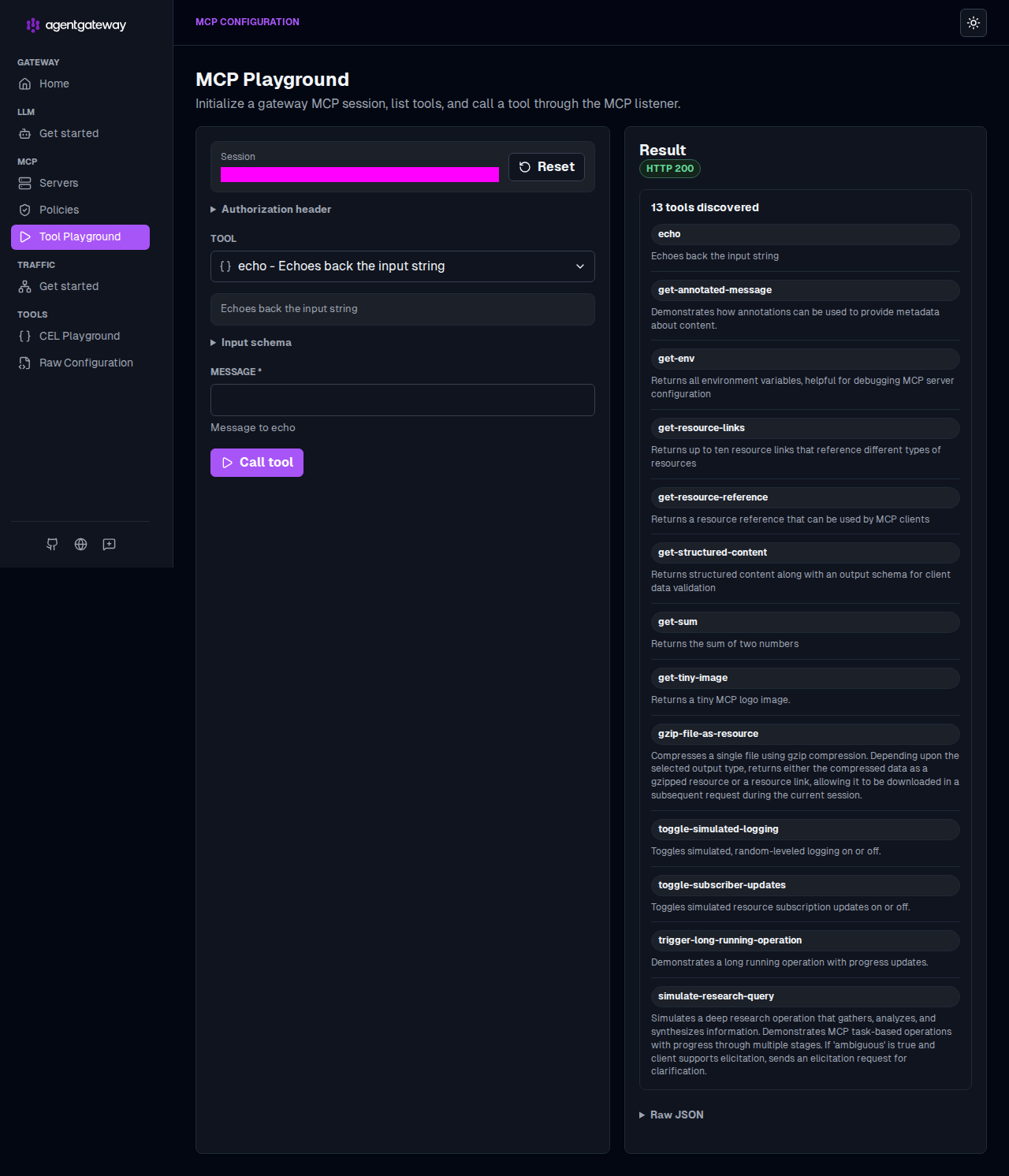
Click Initialize to open an MCP session. The playground lists the tools that the server exposes, such as
echoand variousgetcommands.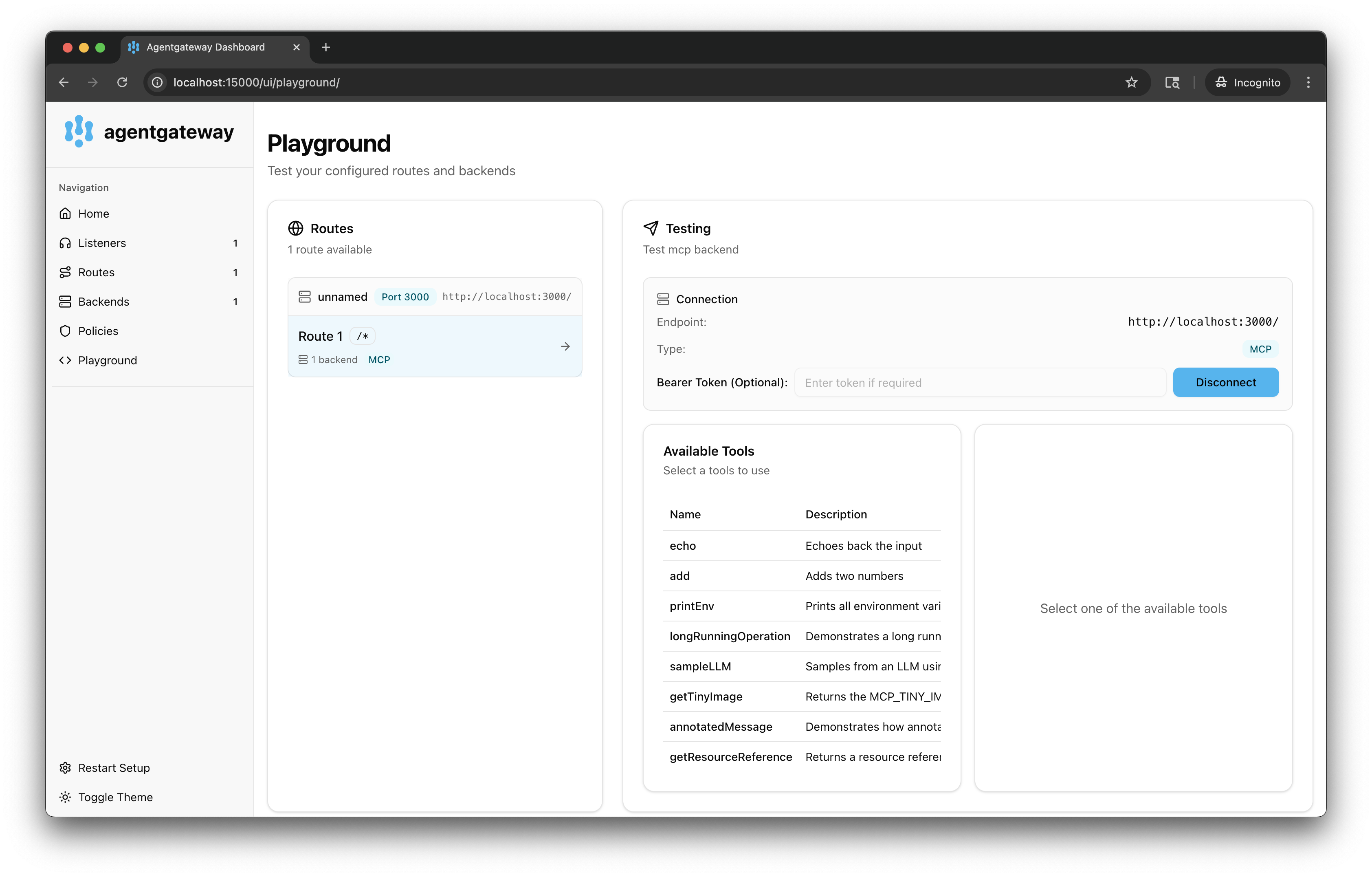
-
From the Tool list, select the
echotool. In the Message field, enter a string, such asThis is my first agentgateway setup, and click Call tool. -
Verify that the Result card shows an
HTTP 200response with your message echoed back.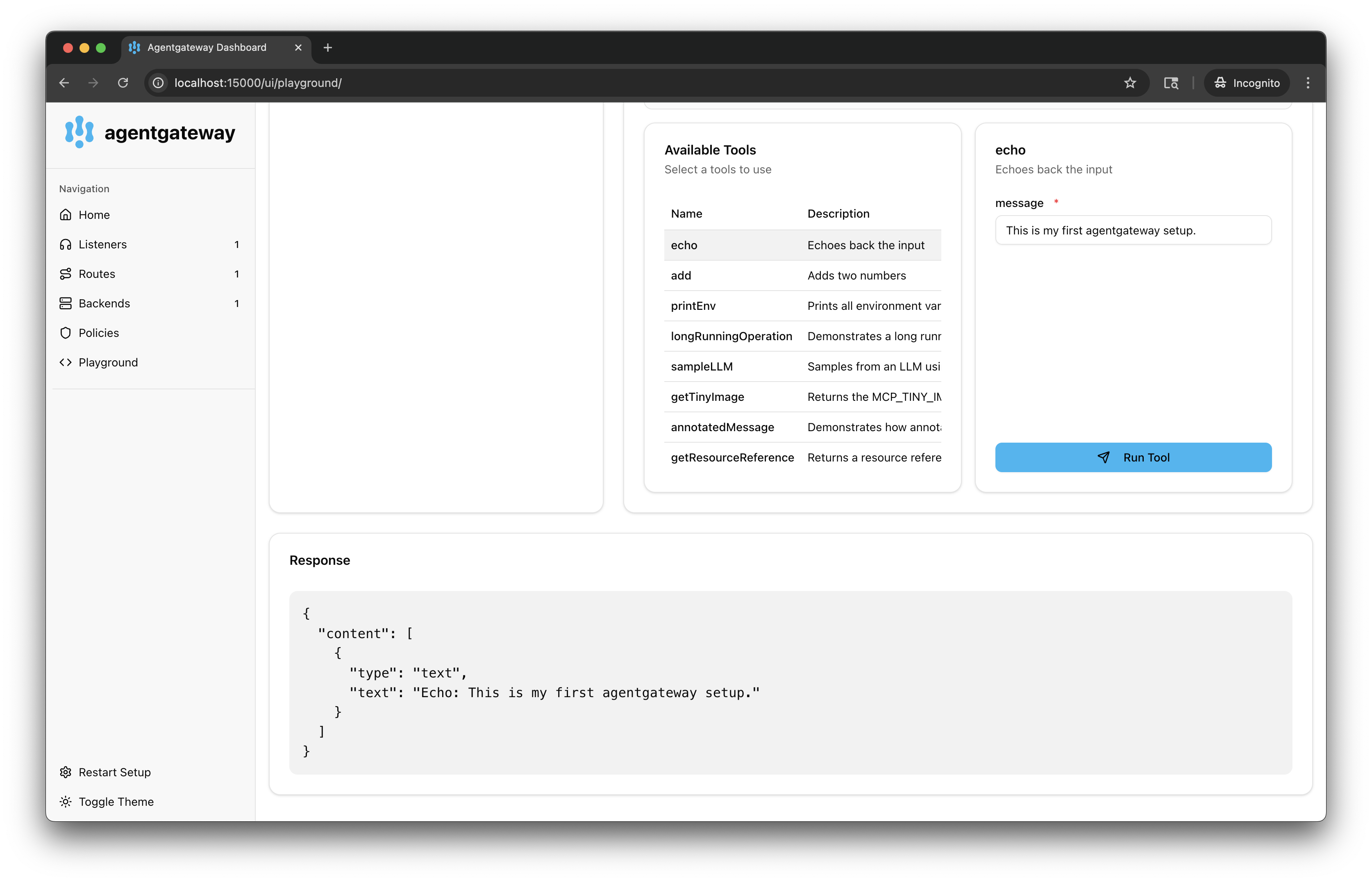
Next steps
Check out more guides for using MCP servers with agentgateway.