Non-agentic HTTP traffic
Verified Code examples on this page have been automatically tested and verified.
Route HTTP traffic to a non-agentic backend such as httpbin with the agentgateway binary.
Use the agentgateway binary to route HTTP traffic to a simple backend (httpbin) running locally.
    flowchart LR
    A[client] -->|localhost:3000| B[agentgateway]
    B --> C[httpbin]
- The client sends requests to agentgateway on port 3000.
- Agentgateway forwards the requests to the httpbin backend based on the route and backend configuration.
- Httpbin responds, and agentgateway returns the response back to the client.
Before you begin
-
Install the agentgateway binary.
curl -sL https://agentgateway.dev/install | bash -
Install Docker to run httpbin.
Steps
Step 1: Start httpbin in Docker
Run the httpbin image so it listens on port 80 inside the container. Map it to a host port such as 8000 so that agentgateway can reach it.
docker run --rm -d -p 8000:80 --name httpbin kennethreitz/httpbin

docker run --rm -d -p 8000:80 --name httpbin kennethreitz/httpbin --platform linux/amd64
Verify that httpbin responds.
curl -s http://localhost:8000/headers | head -20 || true
Example output:
{
  "headers": {
    "Accept": "*/*",
    "Host": "localhost:8000",
    "User-Agent": "curl/8.7.1"
  }
}
Step 2: Configure agentgateway to route to httpbin
You add the gateway and route from the UI, so you can start agentgateway without a config file. When
you run agentgateway without specifying a config, it bootstraps a basic config at
~/.config/agentgateway/config.yaml and uses it automatically.
-
In a separate terminal, start agentgateway.
agentgateway -
Open the agentgateway UI. On the Gateway Overview, find the Traffic row and click Enable Traffic.
-
Add a gateway.
- In the Traffic section of the navigation menu, click Gateways.
- Click Add gateway, enter
defaultfor the Name and3000for the Port, and click Save gateway.
-
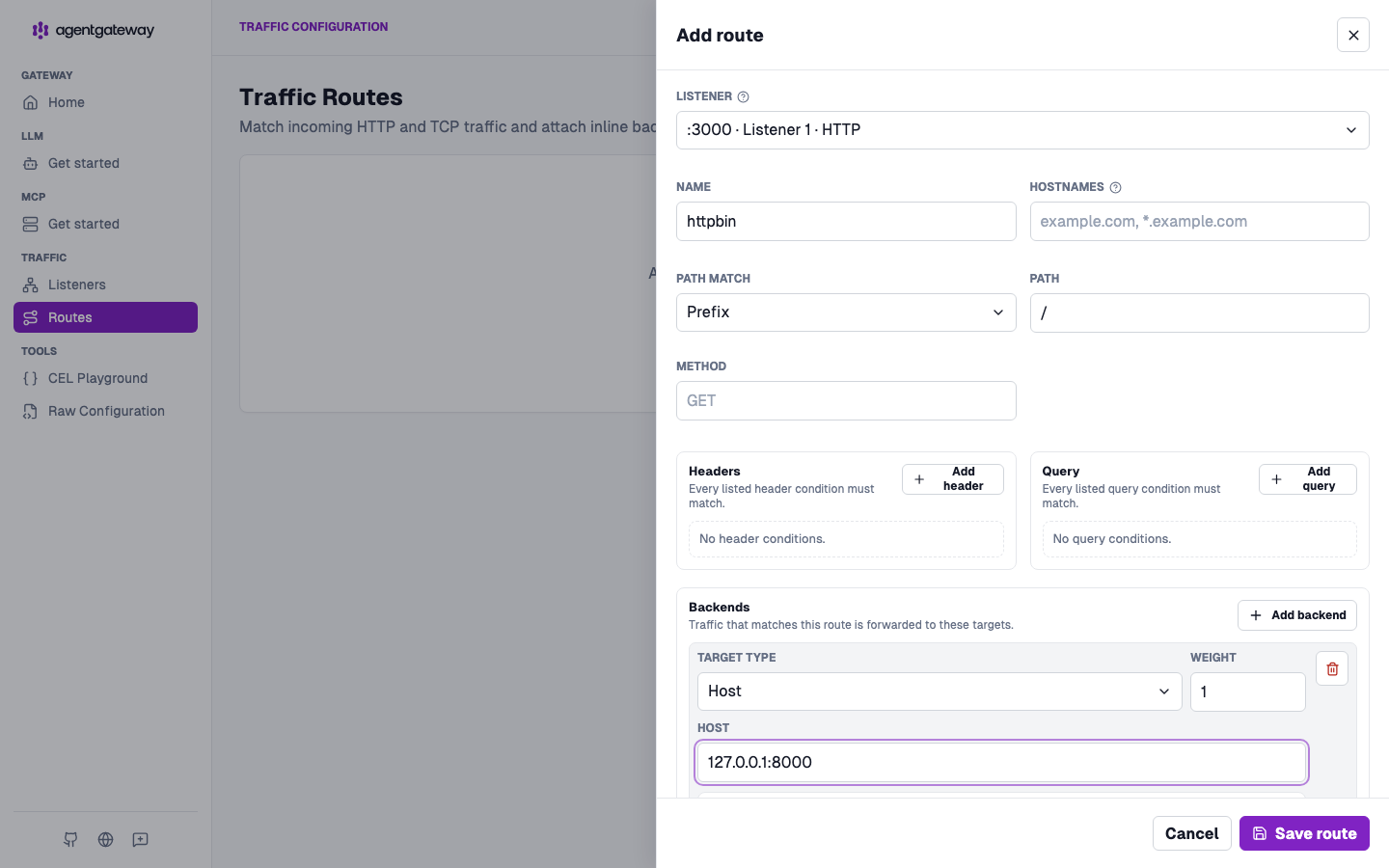
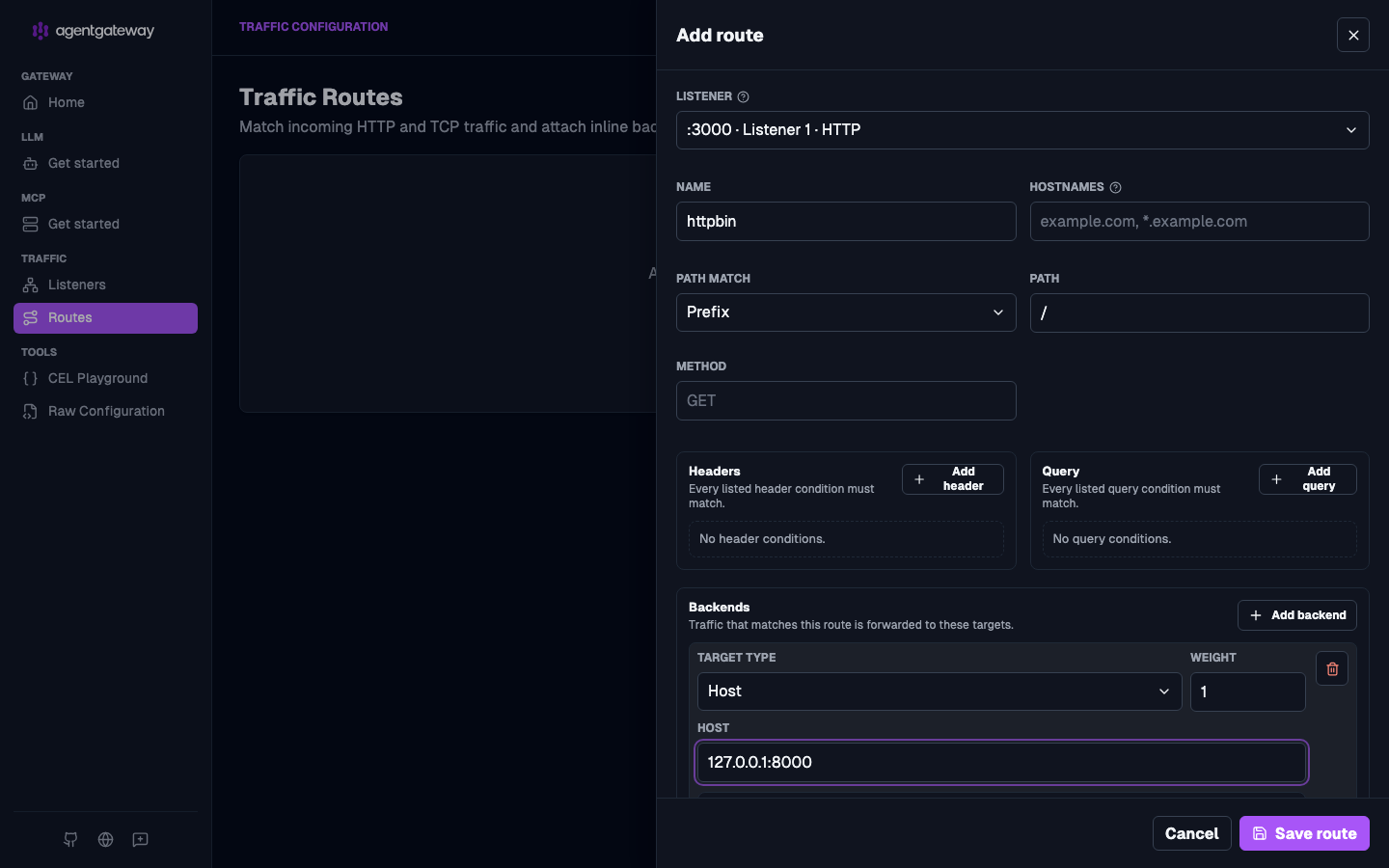
Add a route to httpbin.
- Click Routes, and then click Add route.
- For the Gateway, select the
defaultgateway you created. - Under Backends, click Add backend, keep the Host target type, and enter
127.0.0.1:8000for the host. - Click Save route.
Step 3: Send a request through agentgateway
Send a request to agentgateway on port 3000. Agentgateway forwards it to httpbin; the response is returned to you.
curl -i http://localhost:3000/headers
Example response (status and headers):
HTTP/1.1 200 OK
content-type: application/json
...
Example JSON body:
{
  "headers": {
    "Accept": "*/*",
    "Host": "localhost:3000",
    "User-Agent": "curl/8.7.1"
  }
}
You can try other httpbin endpoints through agentgateway, such as the following.
curl -s http://localhost:3000/get
curl -s http://localhost:3000/post -X POST -H "Content-Type: application/json" -d '{"key":"value"}'
Step 4 (Optional): Stop httpbin
When you are done, stop and remove the httpbin container.
docker stop httpbin